

Qwen Image 2509 Multiple Angles generates alternate viewpoints from reference images, with controls for horizontal rotation, camera elevation, and viewing distance.
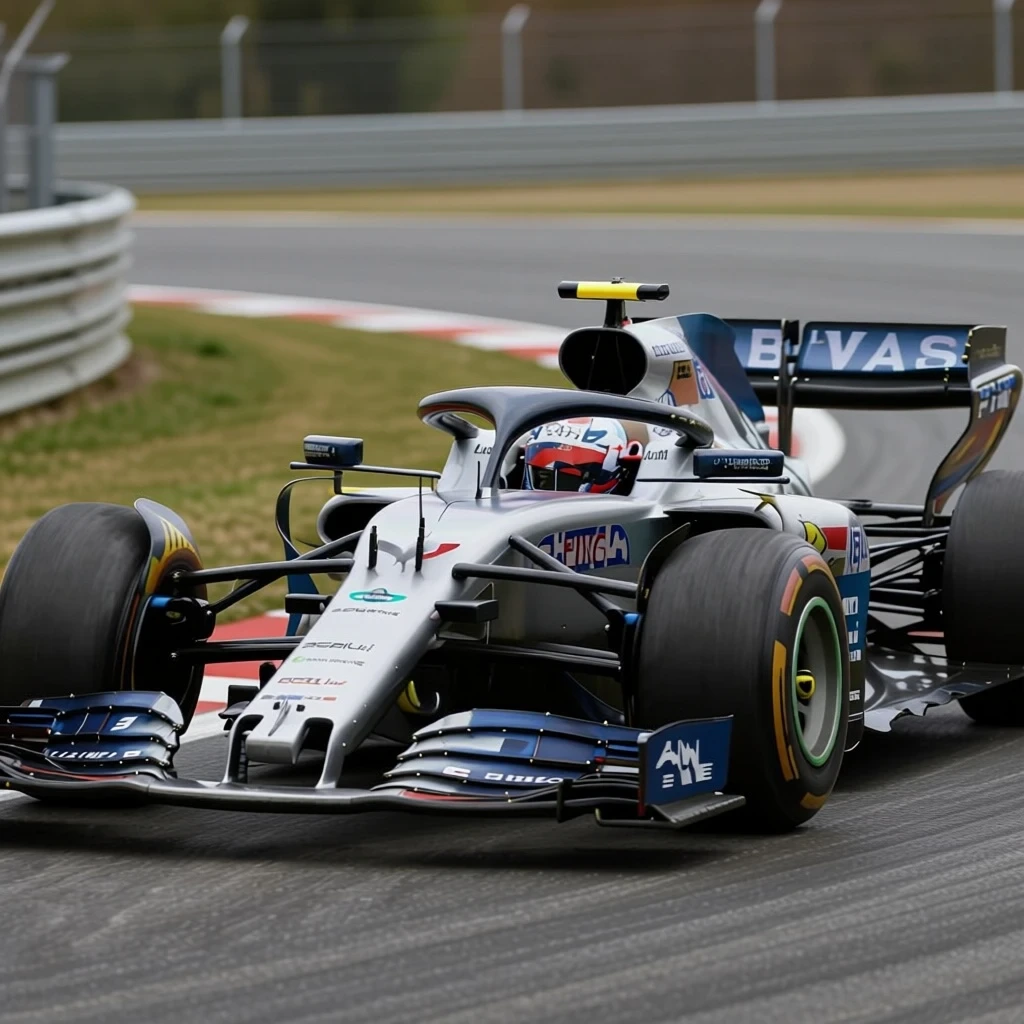
Qwen Image 2509 Multiple Angles Edit API example
curl -X POST https://api.protoface.com/v1/run/wavespeed-ai/qwen-image-2509-multiple-angles \
  -H "Authorization: Bearer $PROTOFACE_API_KEY" \
  -H "Content-Type: application/json" \
  -d '{
  "operation": "image.edit",
  "images": "https://example.com/your-image.png",
  "prompt": "A red fox resting beside a woodland stream, soft morning light.",
  "distance": 1,
  "horizontal_angle": 0,
  "output_format": "jpeg",
  "vertical_angle": 0
}'
Replace example input URLs with your own public URLs or uploaded asset IDs. This request uses the selected mode and settings.
Supported modes
Edit
Edit uses images. Adjust the model options to prepare a request for this mode.
image.editPricing
Image editing
Price per run for each listed option.
| Offering | Price (USD) |
|---|---|
| All listed options | $0.03 / run |
- Images count: 1, 2, 3 (same price).
- Distance: 0, 1, 2 (same price).
- Vertical Angle: -30–60 (same price).
Edit options
Qwen Image 2509 Multiple Angles
Qwen Image 2509 Multiple Angles generates images of a referenced subject from different camera positions. Supplied images establish the subject's appearance, while viewpoint controls determine the perspective of the result. Optional written guidance can further describe the intended view.
Horizontal rotation changes which side faces the viewer. Elevation moves the viewpoint above or below eye level, and camera distance changes how closely the subject fills the frame. These controls support deliberate exploration of an object's presentation, from a close view of its details to a wider composition.
What it's good for
Product teams can explore alternate views for a listing or compare camera positions for promotional artwork. Designers can also inspect how an object appears from different perspectives when preparing visualization concepts.
For action imagery, the model supports experimenting with another viewing angle on a scene. It can also help with composition planning, giving artists visual studies of how camera placement changes the emphasis of an image.
Run Qwen Image 2509 Multiple Angles on Protoface
Use Qwen Image 2509 Multiple Angles in Protoface Studio without writing code. Choose your inputs and generation settings, then generate with affordable, usage-based pricing. For your own AI app or workflow, use the Protoface API to submit generations and retrieve their outputs.
About WaveSpeed
WaveSpeed is an AI inference platform offering third-party generative models through developer APIs and creator applications. Its image and video workflows sit alongside WaveSpeed-branded media tools, including Video Face Swap, which takes source footage and a reference portrait to replace a selected face in a video.
- Media inference
- Creative tools
- Video face swap




