
Building a Flutter Voice Agent with a Streaming AI Avatar and LiveKit
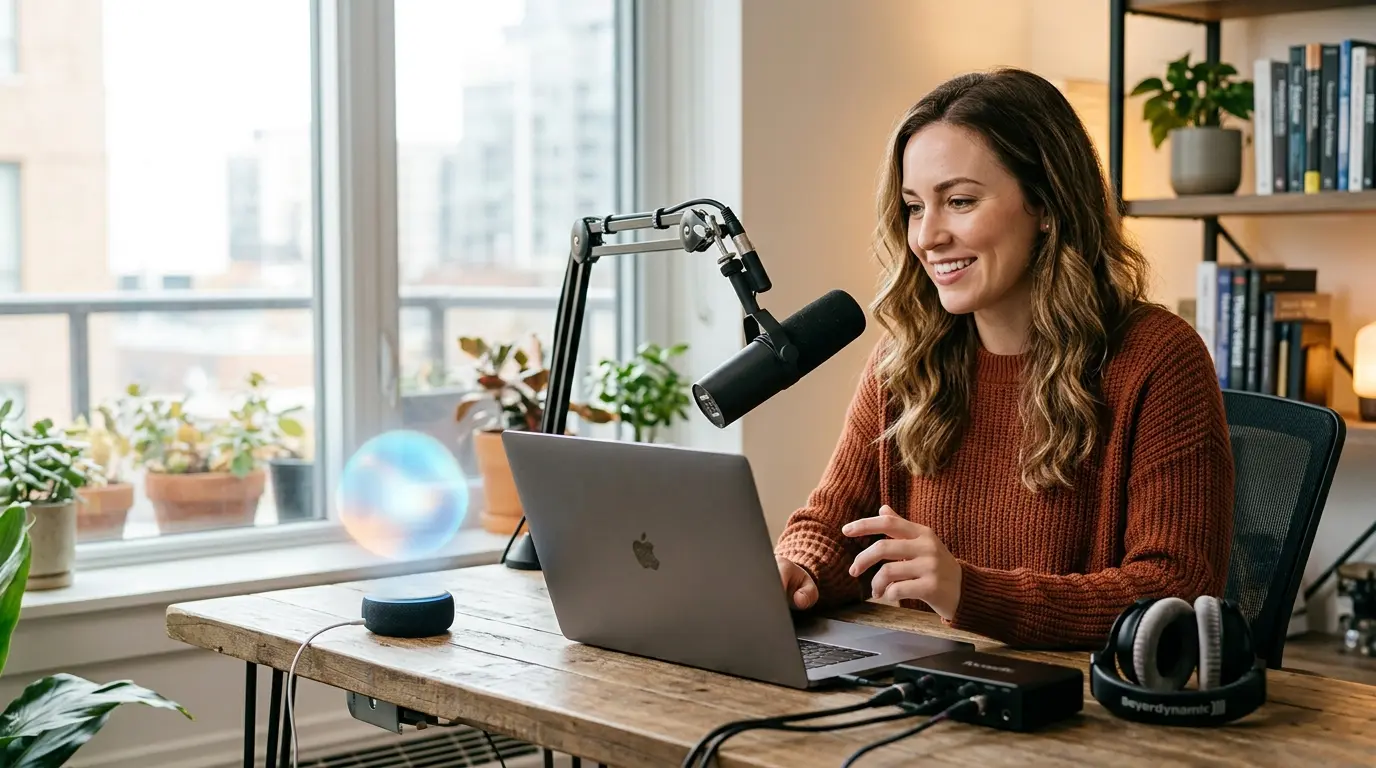
Build a Flutter voice agent with LiveKit and a streaming AI avatar: sync audio, video, and session state in realtime.
Introduction
If you are building a voice agent in Flutter, the hard part is usually not speech-to-text or text-to-speech. It is making the experience feel like a single interactive system instead of disconnected audio events. Users expect the agent to respond quickly, keep state across turns, and show some kind of presence while it talks. A live video face helps a lot, but only if it stays synchronized with the agent’s speech and does not add fragile custom glue to your stack.
That is the problem this post addresses: how to build a Flutter voice agent that streams audio in realtime and renders a synchronized avatar face alongside it. By the end, you should understand the media architecture, the latency trade-offs, how LiveKit fits in, and where a developer-facing avatar layer belongs in the system.
What “streaming AI avatar” actually means in practice
A realtime avatar is not a pre-rendered video clip. It is a streaming media component that receives an ongoing agent output and turns it into a live talking face, usually with lip sync and expression timing tied to the generated speech. In a voice agent, the avatar should be coupled to the same turn-taking loop as the audio, not bolted on after the fact.
That distinction matters because the agent pipeline has at least three independent clocks:
ASR latency: how quickly user speech becomes text.
LLM latency: how quickly the model decides what to say.
TTS / rendering latency: how quickly the spoken response and avatar frames begin streaming.
If any of those stages are serialized too aggressively, the interaction feels sluggish. The avatar should start moving as soon as there is audio to synchronize with, even if the full response is still being generated. In other words, treat the face as a live media stream attached to the agent session, not as a separate UI animation.
Flutter client architecture: keep the app thin
In Flutter, the cleanest pattern is to keep the app focused on session state, permissions, and media rendering. Let the backend or agent runtime own the conversational logic. The client should connect to the live session, render remote audio/video, and handle UX such as push-to-talk, mute state, connection status, and reconnection.
For a voice agent with an avatar, your Flutter app typically needs:
A realtime transport layer for audio/video.
A session token or ephemeral credential issued by your backend.
A video surface for the avatar stream.
Local microphone capture and audio playback.
LiveKit is a good fit here because it gives you a proven realtime media transport. Your agent joins a room, publishes or subscribes to tracks, and the Flutter client can render the incoming avatar video as just another subscribed video track. That keeps the UI and media model simple. You are not inventing a custom streaming protocol just for the face.
The main engineering constraint is synchronization. If the agent is emitting both audio and avatar video, they should be generated from the same session context so that pauses, barge-in, and interruptions stay consistent. If the user interrupts the agent, the audio should stop and the avatar should stop talking at roughly the same time. If your media stack cannot do that cleanly, the experience feels broken even if each piece works independently.
How the agent and avatar stay synchronized
The practical model is:
The user speaks into the Flutter app.
Audio is streamed to the agent runtime over LiveKit.
The agent processes the utterance and begins generating a response.
TTS audio starts streaming back immediately.
The avatar receives the same session output and renders a lip-synced talking face in realtime.
This is why you want a media-aware integration, not an image overlay or a periodic REST polling loop. Once you accept that the avatar is part of the live session, the rest of the design becomes straightforward: the backend creates the session, the client joins it, and the avatar is just another synchronized output of the agent.
A common gotcha is buffering too much before playback begins. Developers sometimes wait for the “full” response before they play anything, which increases perceived latency and makes the avatar appear idle. For conversational systems, the right optimization target is time-to-first-audio and time-to-first-motion, not response completeness.
Using LiveKit from Flutter without overcomplicating the app
The Flutter side usually does not need to know anything about the avatar implementation details. It only needs to join the room and render tracks. If your agent runtime publishes the avatar as a video track, Flutter can display it the same way it would display any other remote participant track.
A stripped-down pattern looks like this:
That code is intentionally generic because the Flutter LiveKit APIs you use will depend on your app architecture, but the design point is the same: the avatar comes in as a remote video track. Your job is to authenticate, join, and render.
On the backend, keep session issuance separate from the client UI. Do not ship long-lived API keys to the app. Generate short-lived room tokens from your backend after you have authenticated the user and decided which agent session they may join.
Where Protoface fits
This is the layer where Protoface is useful: it provides a developer-facing realtime avatar API and a LiveKit Agents plugin that drops a synchronized talking face into an agent session. In practice, that means you can keep your existing voice-agent stack and add the avatar as a media component rather than rebuilding your pipeline around video generation.
If you are using the LiveKit Agents runtime, the plugin is the most direct path. The integration point is Python-side agent code, not the Flutter client, which is the right separation of concerns. The client keeps handling realtime media and UI; the agent runtime owns avatar output.
An illustrative shape looks like this:
That is not meant to be copy-paste complete. The important bit is the integration model: you attach the avatar to the LiveKit agent session so the generated speech and video remain aligned. For exact configuration fields, session setup, and supported options, use the docs and the quickstart repository linked from the project README.
If you need to create or manage avatars and sessions directly, the REST API is the other relevant surface. It is authenticated with an API key and is designed for backend use only. A simple request shape is:
Again, the exact endpoint and payload are documented in the docs. The key point is that session creation belongs on the server, not in Flutter, so credentials stay out of the client.
Operational concerns: latency, cost, and failure modes
Once the demo works, the real work is operational. A few things are worth designing for early:
Cold start behavior: decide what the user sees before the avatar has fully connected.
Reconnects: preserve session state if the network drops briefly.
Barge-in: stop TTS and avatar output quickly when the user interrupts.
Rate limits and quotas: control who can start sessions and for how long.
Quality tiers: pick the visual quality that matches the product surface and budget.
For customer-facing applications, the avatar itself is part of the UX contract. If motion quality drops or the face desynchronizes from audio, users notice immediately. That is why managed avatar infrastructure is useful: it moves the tricky rendering and streaming concerns into a service that is already built for realtime media rather than a one-off custom implementation.
For web embeds, the safest pattern is customer-managed iframes with an allowlist and per-embed limits. For Flutter apps, the analogous rule is the same: keep browser- or app-exposed credentials minimal, and let your backend mint only the short-lived access needed for the current session.
Conclusion
To build a good Flutter voice agent with a streaming avatar, treat the avatar as part of the realtime media session, not as a separate UI effect. Keep the Flutter client thin, use LiveKit for transport and rendering, and keep session creation and avatar configuration on the server. That gives you a system that is easier to reason about, easier to secure, and less likely to drift out of sync under load.
If you want to implement this path quickly, start with the LiveKit agent integration and follow the quickstart examples, then wire the Flutter client to render the remote video track and join the room with short-lived credentials. The documentation at docs.protoface.com has the current API details, and the GitHub examples are the fastest way to see the pieces working together end to end.