
Can AI Video Make Product Photography Work Harder?
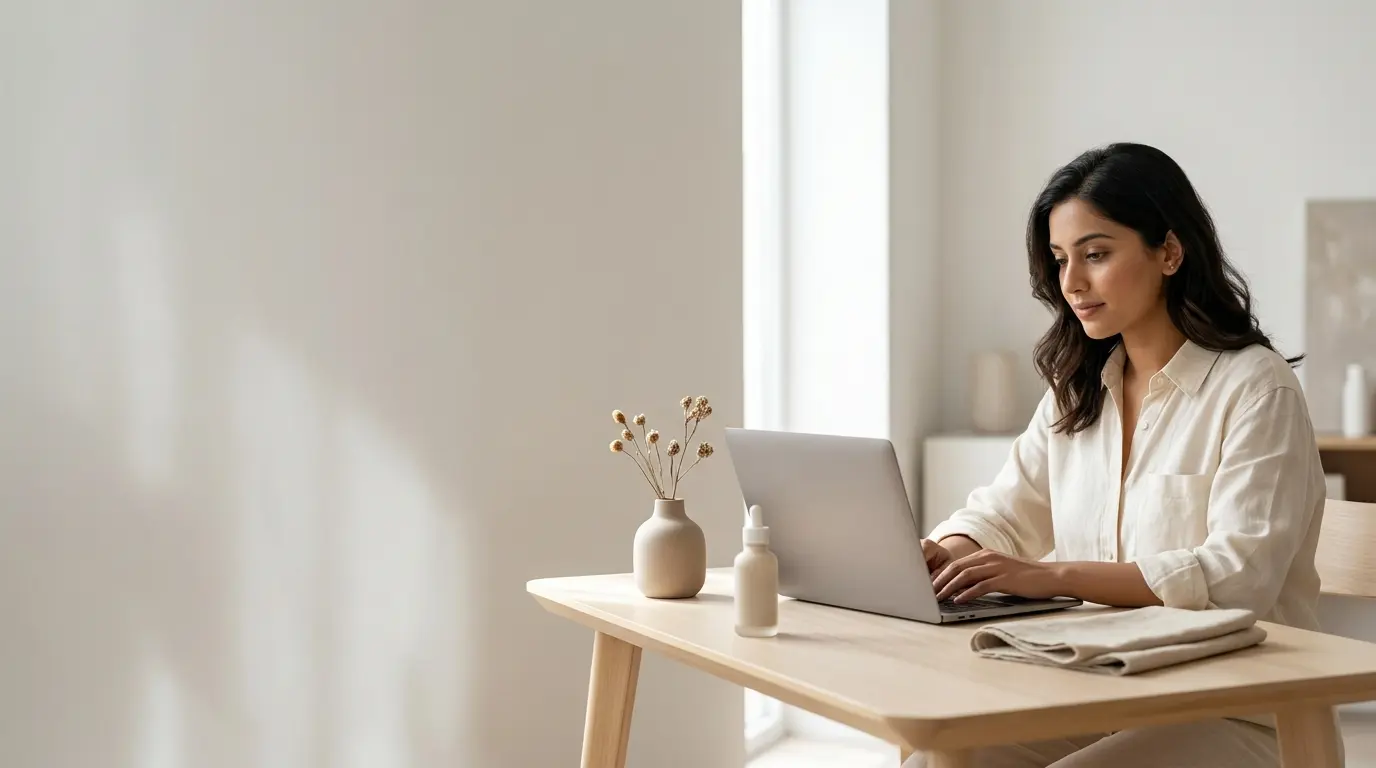
Turn product photos into AI video with Protoface: source-image selection, motion prompts, and product-fidelity review.
Select Images With Clean Composition and Clear Product Form
A strong product image library can become a useful starting point for short video assets. Image-led AI video works best when the original photo gives the model a clear visual anchor: a recognizable product, a readable setting, and enough room for motion to develop around the subject.
Choose images where the product has a clean silhouette, visible edges, and consistent lighting. A front-facing product pack, a sofa in a well-styled room, or a skincare bottle on a simple vanity usually gives a model more reliable guidance than a crowded collage or a tightly cropped detail shot.
Teams can use Protoface to generate hosted image-led video from existing assets, then test several motion directions without building and operating their own inference stack. That makes a large image library more flexible for ad tools, creative workflows, and product-content pipelines.
Before generating, sort source images into practical groups:
Hero images with a clear view of the full product
Lifestyle images with space for environmental movement
Detail images for texture, materials, and close-up mood shots
Images that need conventional reshoots because key information is missing
Choose Motion That Complements the Image
The most dependable AI video concepts build on what already exists in the frame. Camera drift, gentle push-ins, changing light, moving curtains, flowing fabric, steam, reflections, and background activity can make a still image feel alive while keeping the product as the visual center.
Consider a home goods brand with a polished lifestyle photo of a table lamp in a living room. The original image already establishes the lamp, furniture, palette, and mood. A short ambient sequence can add a slow camera move, soft daylight shifting across the wall, and curtains moving near a window.
That clip can support a product page, a paid social variation, or the opening seconds of a broader ad. The lamp remains anchored to the source image, while the room gains atmosphere and motion.
Prompts should describe the desired action in plain production language. “Slow dolly toward the lamp, warm afternoon light, curtains moving gently, premium home editorial style” gives the generation a useful direction. Asking for several large actions in a three- to five-second clip usually produces a busier result with less control.
Protect Details That Must Remain Exact
AI video can preserve the overall look of a source image while changing small product details. Labels, logos, text, precise colors, hardware, seams, dimensions, and packaging geometry deserve special attention because they carry brand and purchase information.
Treat the image as an anchor for the scene rather than a guarantee of pixel-level product fidelity. Review generated clips at full size before publishing, especially when the product moves, rotates, opens, pours, or comes close to camera.
Set clear rules for which assets can use generated motion. Many teams allow AI video for atmosphere, lifestyle context, and top-of-funnel creative, then require approval for any clip where a customer needs to inspect the product itself.
Keep logos and product text visible only when they have passed review
Use source images with accurate current packaging
Check color-critical products against approved brand references
Save approved prompts and outputs for repeatable creative production
Route High-Risk Product Claims to Conventional Production
Conventional shoots remain the right choice for assets that prove a specific claim. Demonstrations involving fit, safety, ingredients, product performance, measurements, before-and-after results, or regulated statements need controlled production and careful review.
AI video adds the most value when it expands coverage around approved photography: more ambient clips, more creative variations, and more formats for channels that reward fresh motion. It works especially well when a team needs volume without turning every campaign into a full production day.
Start with a small set of high-quality lifestyle images, generate several restrained motion variations, and measure which clips earn attention or improve conversion. From there, build a workflow that pairs AI-generated atmosphere with conventionally produced proof. That combination gives product photography a longer working life while protecting the details customers rely on.