
ElevenLabs vs OpenAI TTS for Realtime AI Avatars: Which Works Better for Streaming Lip-Sync?
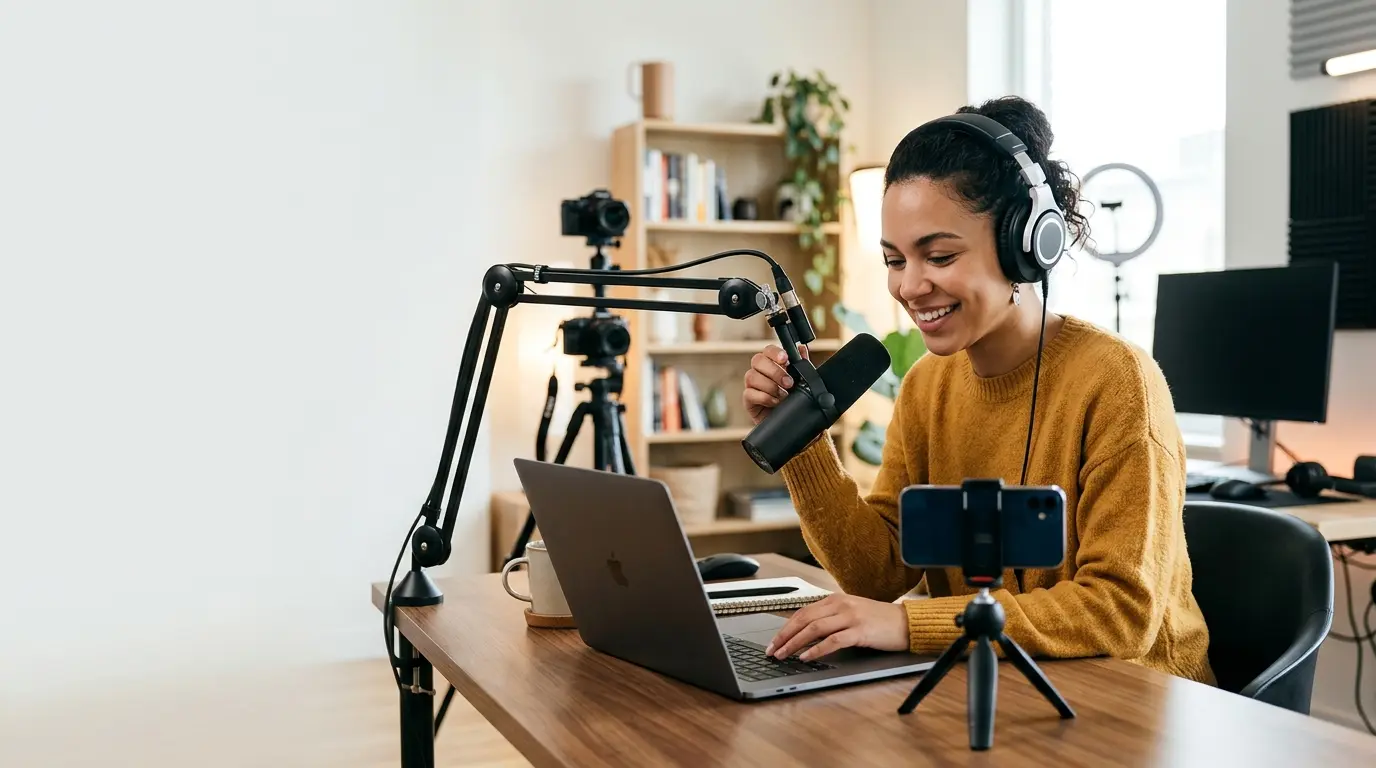
ElevenLabs vs OpenAI TTS for realtime AI avatars: benchmark streaming latency, chunk cadence, and lip-sync stability.
Introduction
If you are wiring up a realtime AI avatar, the TTS choice is not just about “voice quality.” It affects the latency profile of the entire pipeline, how often you can update the mouth shape, and how stable lip-sync looks when the model is streaming partial audio. In practice, the question is usually: can the text-to-speech system deliver small enough audio chunks quickly enough for the video layer to animate continuously without visible stutter?
This post compares ElevenLabs and OpenAI TTS through that lens. By the end, you should be able to decide which one is a better fit for your avatar architecture, what failure modes to watch for, and how to measure the difference instead of guessing. I’ll also show where Protoface fits when you want to add a talking face to a voice agent without building the avatar stack yourself.
What “good” streaming lip-sync actually depends on
For a realtime avatar, lip-sync quality is mostly a systems problem. The TTS engine outputs audio; the avatar renderer turns that audio into visemes or mouth-open states; the transport layer moves audio and video in real time. If any of those stages buffers too much, the mouth lags behind the voice.
There are three metrics that matter more than raw voice quality:
Time to first audio: how long after you send text before the first audio bytes arrive.
Chunk cadence: whether audio is streamed in small, regular pieces or held back in larger bursts.
Prosody stability: whether the generated speech is consistent enough that mouth motion looks natural, not jittery.
Streaming lip-sync generally works best when the TTS provider emits incremental audio early and often, with low jitter. If the provider waits to synthesize a large segment before emitting anything, your avatar either freezes or has to “guess” too much. That is why “fast enough in demos” and “good enough for production lip-sync” are not the same thing.
ElevenLabs vs OpenAI TTS: the practical trade-off
Both providers can produce high-quality speech, but they tend to behave differently in realtime systems.
ElevenLabs is often the better fit when your primary goal is expressive voice output and you want a provider that many teams already use for character voices. In a streaming avatar pipeline, it can sound excellent, but the main question is how the stream is chunked and whether your integration path preserves low latency end to end. If your agent waits for too much text before requesting audio, or if you buffer audio on the client, the lip-sync advantage disappears.
OpenAI TTS is often appealing when you want tighter integration with an agent stack and a simpler control surface in the same ecosystem as the LLM. For streaming avatars, this can make orchestration easier: one model generates text, another generates speech, and your avatar renderer consumes the stream. The quality is solid, but the real differentiator is how predictable the streaming behavior is in your specific deployment.
In production, I would not ask “which voice sounds better” first. I would ask:
How quickly do I get the first audio chunk after the model decides what to say?
Can I begin rendering mouth motion before the utterance is fully synthesized?
Do I get stable pacing across short acknowledgements, long answers, and interruptions?
Can I interrupt speech cleanly when the user starts talking?
The provider that wins those tests for your app is the one that will look better on screen.
How streaming lip-sync breaks in practice
The usual failure mode is hidden buffering. Somewhere in the chain, a component accumulates enough text or audio to “be safe,” and that safety margin turns into visible lag.
Common causes:
Text buffering upstream: the agent waits for a full sentence or paragraph before calling TTS.
Audio buffering downstream: the browser or media server waits for too much audio before playback starts.
Mismatch between text and speech timing: the avatar renderer assumes a cadence that doesn’t match the actual audio stream.
Interrupt handling: the system cannot cancel queued speech fast enough when the user speaks.
For avatars, the only thing worse than a small delay is an inconsistent delay. A 250 ms lag that stays constant is usually acceptable; a lag that moves between 150 ms and 900 ms makes the face look detached from the voice.
So when you benchmark ElevenLabs vs OpenAI TTS, don’t just record audio quality. Measure end-to-end motion consistency using the full path you will actually ship: model → TTS → transport → avatar renderer → client playback.
A simple benchmark you can run
If you want to compare the two providers for a realtime avatar, use a short, fixed script and time the stream. Keep the text varied enough to exercise different phonemes, but not so long that you hide startup latency.
Run that test with the same text, same network, same client, and same buffering settings. If one provider produces a better-looking avatar only when you give it ideal conditions, it may not be the right choice for production.
Also test interruption. Start a response, then cut it off mid-utterance and start a new one. A good streaming pipeline should cancel the old audio quickly and avoid “mouth chatter” where the avatar keeps animating stale speech after the conversation has already moved on.
What I would choose, depending on the architecture
There is no universal winner. The better choice depends on whether your priority is voice expressiveness, ecosystem simplicity, or realtime control.
Pick ElevenLabs if:
your product depends heavily on voice personality and emotional delivery;
you have already validated that its streaming behavior fits your avatar loop;
you are comfortable tuning buffering and interruption logic carefully.
Pick OpenAI TTS if:
you want tighter integration with an OpenAI-based agent flow;
you care more about orchestration simplicity than maximum voice expressiveness;
you want one ecosystem for reasoning, tool use, and speech generation.
For a realtime avatar, the second-order effects matter as much as the provider itself. If your mouth animation is driven by audio timing, the “best” voice engine is the one that gives you reliable, low-latency chunks and easy cancellation in your chosen transport stack.
Where Protoface fits: making the avatar layer someone else’s problem
If you already have a voice agent and you just need a synchronized talking face, the cleanest path is usually to delegate the avatar layer rather than hand-roll it. Protoface provides a developer-facing realtime avatar API and a LiveKit plugin that can drop an avatar into a voice agent so the agent gains a synchronized video face.
In a LiveKit-based stack, the integration point is straightforward: your agent produces audio, and the plugin handles the avatar side of the realtime session. The important part is that the avatar stays synchronized with the voice stream instead of trying to reconstruct timing from a delayed playback buffer.
If you want to create or manage sessions directly, the REST API at api.protoface.com is the control plane, authenticated with API keys. That is useful if you want programmatic lifecycle management, custom session orchestration, or server-side provisioning before a user joins. For examples and exact request fields, use the docs rather than guessing at payload shape. The documentation and the relevant GitHub examples are the right starting points.
That said, if your main problem is “which TTS provider sounds best,” Protoface does not decide that for you. What it does is remove a lot of avatar plumbing so you can evaluate the voice provider inside a more realistic streaming setup, instead of a toy demo.
Conclusion
For realtime avatars, ElevenLabs and OpenAI TTS are both viable, but you should judge them by streaming behavior, not just voice quality. The winner is the provider that gives you low time-to-first-audio, stable chunk cadence, clean interruption handling, and predictable motion when the user is actively watching the face.
If you are building this yourself, benchmark end to end with the actual transport and renderer you plan to ship. If you want to focus on the voice agent and not the avatar plumbing, start from the docs, the LiveKit plugin, or the Python SDK and test in a real session.
For setup details and examples, check docs.protoface.com and the Protoface GitHub org. Then run the same scripted benchmark against both TTS providers and let the latency numbers, not the marketing pages, decide.