
What Is AEC vs ANC vs Noise Suppression? Audio Quality Basics for Realtime AI Avatars
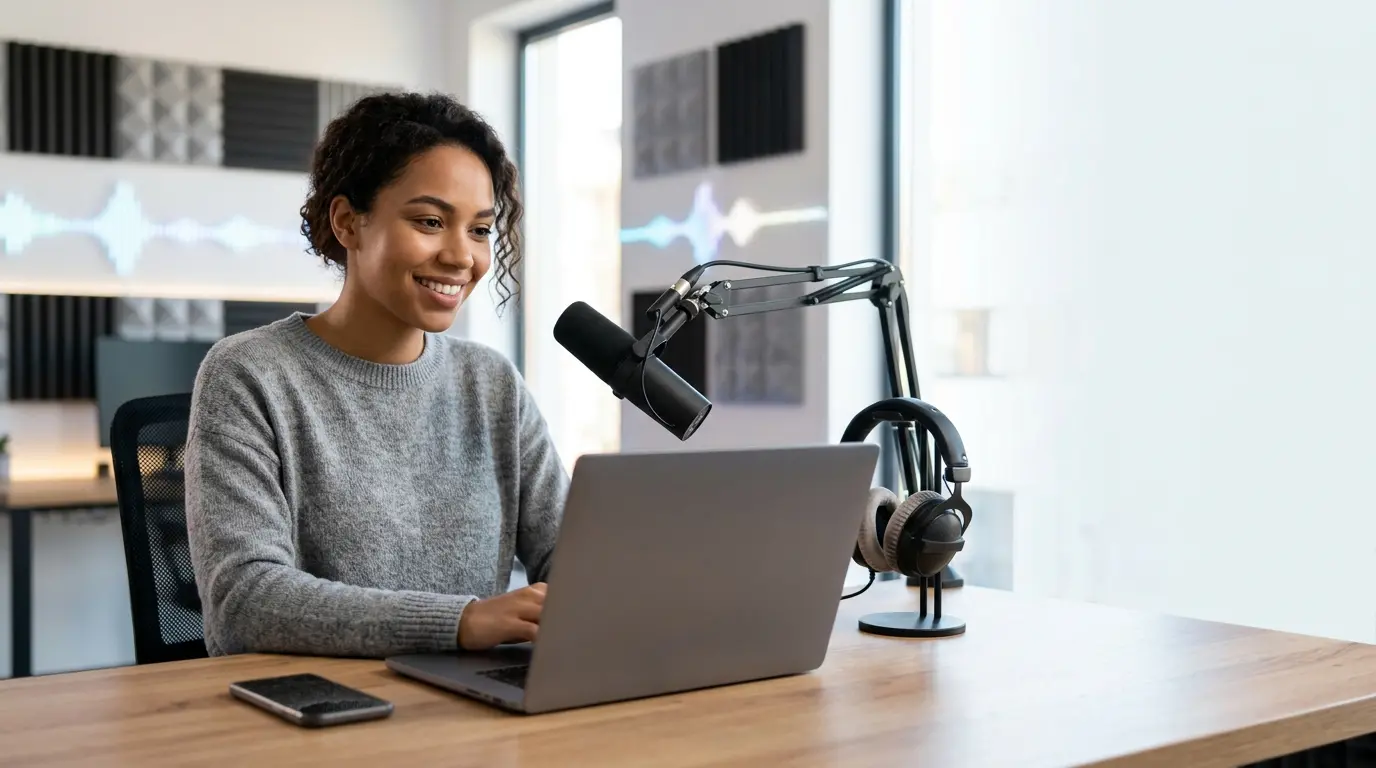
AEC vs ANC vs noise suppression explained for realtime AI avatars: what each does, where it fits, and pipeline trade-offs.
Introduction
If you are building realtime voice agents or talking avatars, you eventually run into three audio terms that get used loosely and often incorrectly: AEC, ANC, and noise suppression. They are not interchangeable. They solve different problems, at different points in the audio pipeline, and the wrong one can make a realtime avatar sound worse instead of better.
This matters more for avatar systems than for plain voice chat because you are usually dealing with all of the following at once: a user’s microphone, a speaker playing synthesized speech, a browser or native WebRTC stack, and a lip-synced video face that should stay aligned with the audio. By the end of this post, you should be able to identify which technique you need, where it belongs in the signal path, and what trade-offs it introduces.
The three concepts, precisely
1) AEC: Acoustic Echo Cancellation
AEC removes the agent’s own audio from the microphone input. In a realtime call, the most common failure mode is this: the assistant speaks through the device speaker, the microphone picks that up, and the model hears its own voice as if the user said it. AEC estimates the echo path from speaker to mic and subtracts that signal from the mic stream.
Key point: AEC is about feedback from playback to capture. It is not about general background noise. It is also not the same as simply muting the speaker while the agent speaks; modern systems need duplex audio, and the user may still interrupt while the assistant is talking.
Practical implications:
Works best when the playback and capture paths are known and reasonably stable.
Can fail on aggressive speaker volume, open speakers, or highly reverberant rooms.
Often depends on the client stack; browsers, mobile SDKs, and WebRTC engines frequently provide it at the transport or device layer.
2) ANC: Active Noise Cancellation
ANC is a physical audio technique that plays an inverted waveform to cancel ambient sound at the listener’s ear. It is usually implemented in headphones or earbuds, not in software that processes a microphone stream. If you are shipping a voice agent, ANC is generally outside your control.
People often say “noise cancellation” when they mean noise suppression or AEC. That shorthand is fine in casual conversation, but it becomes confusing in system design. For software developers, ANC mostly matters as a hardware feature that changes the acoustic environment. Good ANC headphones can make voice capture cleaner, but they do not replace AEC or microphone-side cleanup.
Key point: ANC is about the listener’s experience, not about cleaning the signal your model receives.
3) Noise suppression: removing non-speech noise from the mic
Noise suppression reduces unwanted sounds in the microphone signal that are not echo: keyboard clicks, fan noise, HVAC hum, street noise, room hiss, and similar artifacts. Unlike AEC, it does not need to know what the speaker is playing. It operates directly on the captured audio, usually with spectral estimation or neural denoising.
This is the broadest and most useful “cleanup” step for a voice agent, but it is also the easiest to overdo. Too much suppression can distort consonants, smear transients, or create a watery, artifact-heavy sound that hurts ASR accuracy and naturalness. In a realtime avatar system, that can also make turn-taking worse because the model gets less reliable partial speech.
Key point: noise suppression is about everything the mic hears that is not useful speech, excluding echo cancellation’s specific job.
Where they sit in the realtime audio path
A useful mental model is this:
In practice, the ordering can vary because some platforms bundle AEC, AGC, and denoising into one client-side audio stack. But conceptually:
AEC removes the assistant’s own rendered audio from the mic input.
Noise suppression removes residual background noise.
Voice activity detection and ASR consume the cleaned signal.
Two common mistakes follow from this:
Assuming ANC helps the model. It may help the human listener wearing headphones, but it does not clean the mic path.
Stacking too much processing. If your browser, WebRTC layer, SDK, and server all attempt denoising, you can end up with phase artifacts and unstable transcription.
What actually matters for realtime avatars
For a voice agent with a synchronized avatar, audio quality is not just a nicety. It affects:
Turn detection. Echo and noise can keep VAD “open” too long or trigger false starts.
Transcription quality. The language model only sees what ASR can recover.
Latency. Heavy denoisers and server-side round trips can add delay that becomes visible in lip sync and conversational timing.
Naturalness. If the assistant’s own output leaks back into the input, the conversation can stutter, repeat, or spiral.
The best rule of thumb is to treat audio quality as a system property, not a single checkbox. You need a clean capture path, stable playback, and reasonable processing on the client before the audio ever reaches the agent.
Choosing the right tool
Use this rough decision tree:
Hearing your own assistant through the mic? You need AEC.
Hearing fan, HVAC, or street noise? You need noise suppression.
Trying to improve what the user hears in their headphones? ANC is a hardware feature, not an app-level fix.
In browser-based or embedded experiences, AEC and basic noise suppression are often available through the media capture stack. If you are using WebRTC, check the capture constraints and the platform defaults before adding your own DSP. A simple example in a browser context is usually enough to request built-in processing:
That is not a guarantee of perfect quality; it is a request to the browser to engage its best available capture processing. The exact behavior depends on the browser, device, and OS.
A practical integration example with Protoface
For teams building a realtime avatar into a voice agent, the main question is not “which DSP algorithm should I write?” It is usually “how do I wire the avatar into an existing realtime audio stack without breaking latency or duplex speech?” In a LiveKit-based agent, the Protoface plugin handles the avatar side while your voice pipeline remains responsible for capture quality and echo behavior.
The basic shape looks like this:
If you are integrating at the service layer instead, the same advice applies: keep the microphone path clean before it reaches your agent, and let the avatar layer focus on rendering and lip sync. The relevant references are the plugin repo and the public documentation at docs.protoface.com. If you prefer to work from a full example, start with the LiveKit-facing repo on GitHub and adapt the audio capture settings in your client.
Common gotchas
Echo cancellation does not fix bad speakers. Very loud playback or open-air speakers can overwhelm AEC.
Noise suppression can hurt barge-in. Over-aggressive denoising may clip quiet interruptions or initial consonants.
Server-side cleanup is usually too late. By the time audio has crossed the network, you have already paid in latency and quality.
Reprocessing already-processed audio can be harmful. If the browser applies denoising, avoid adding another heavy suppressor unless you have measured the result.
Headphones change the problem. They reduce playback bleed and can make AEC easier, but they do not eliminate the need to think about mic quality.
If you are debugging a realtime avatar, test with three scenarios: speakers on a desk, headphones, and a noisy room. If the system only works in one of those, the audio pipeline is too fragile.
Conclusion
AEC removes your own playback from the microphone, noise suppression removes non-speech noise, and ANC is a hardware feature that helps the listener but does not clean the model input. For realtime AI avatars, the distinction is not academic: it affects ASR accuracy, turn-taking, and whether the avatar feels responsive or glitchy.
If you are building on top of a voice agent stack, start with the client-side capture settings, measure the result in the real environments your users will actually have, and keep your processing chain as simple as possible. When you are ready to wire the avatar layer into the agent, the docs at docs.protoface.com and the relevant integration repo are the right starting points.