

Bria FIBO Generate 1.5 creates images from text, with optional reference-image guidance and a photoreal style for developing realistic scenes.
Model overview
- Model ID
bria/fibo-generate-1.5- Output Type
- Image
- Pricing
- $0.04 / run
- Provider
- Bria
- Hosting
- External
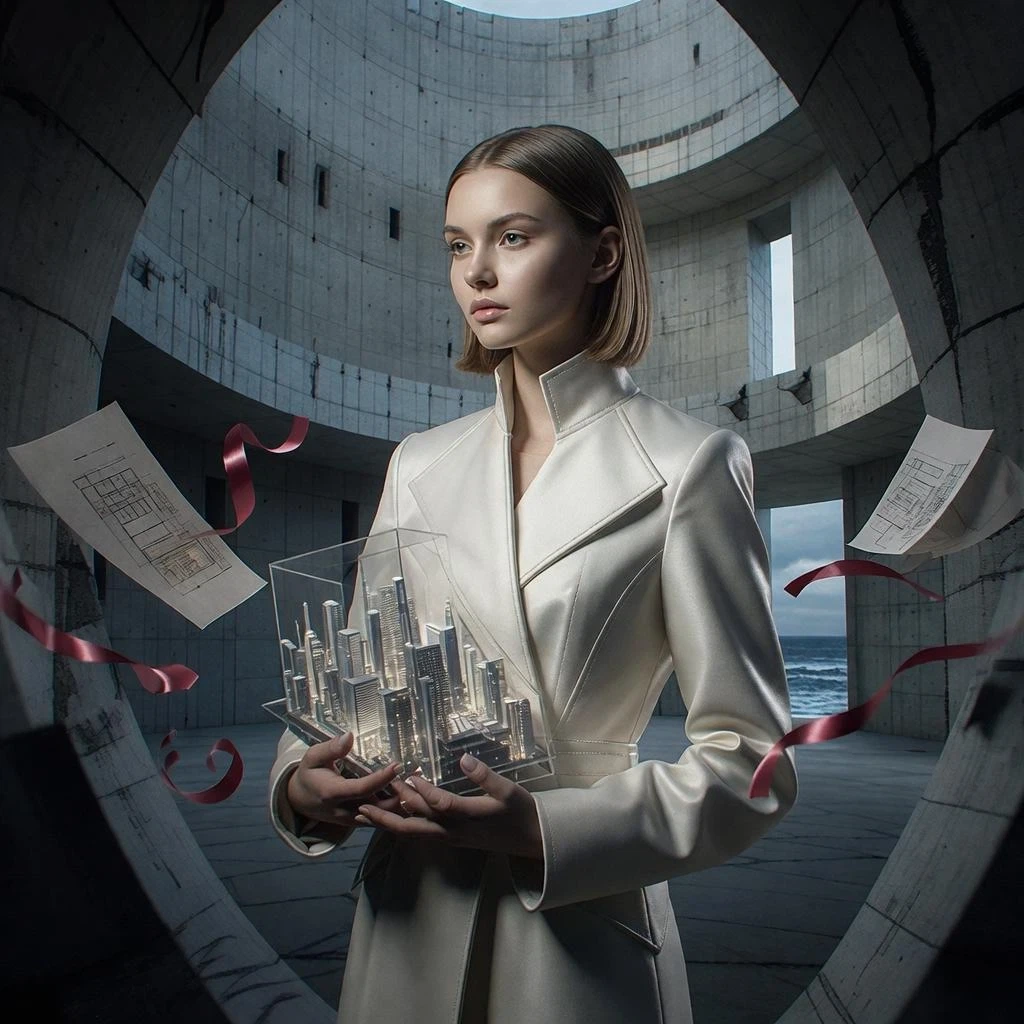
Bria FIBO Generate 1.5 Text to Image API example
curl -X POST https://api.protoface.com/v1/run/bria/fibo-generate-1.5 \
  -H "Authorization: Bearer $PROTOFACE_API_KEY" \
  -H "Content-Type: application/json" \
  -d '{
  "operation": "image.generate",
  "prompt": "A red fox resting beside a woodland stream, soft morning light.",
  "aspect_ratio": "1:1",
  "resolution": "1mp"
}'
Replace example input URLs with your own public URLs or uploaded asset IDs. This request uses the selected mode and settings.
Supported modes
Text to Image
Text to Image uses prompt. Adjust the model options to prepare a request for this mode.
image.generatePricing
Image generation
Price per run for each listed option.
| Offering | Price (USD) |
|---|---|
| All listed options | $0.04 / run |
- Images count: 0, 1 (same price).
- Resolution: 1mp, 4mp (same price).
- Style Id: Default, photoreal (same price).
Text to Image options
Bria FIBO Generate 1.5
Bria FIBO Generate 1.5 turns written descriptions into images. The text defines the intended subject and scene, while an optional reference image guides composition, subject matter, or visual style. This gives projects with an existing visual direction a way to carry that direction into generated concepts.
An optional photoreal style supports imagery with a photographic appearance. It suits product scenes and lifestyle concepts where the setting helps explain an idea, such as an object shown in a domestic interior or an outdoor environment.
What it's good for
Creative teams can develop campaign concepts and social imagery before selecting a direction for production. Reference guidance is useful when those explorations need a visual connection to an existing mood board or project image.
It also supports early studies of characters and environments. Designers can explore how a described subject reads in different settings, then use the resulting images in concept reviews and presentations.
Run Bria FIBO Generate 1.5 on Protoface
Use Bria FIBO Generate 1.5 in Protoface Studio without writing code. Choose your inputs and generation settings, then generate with affordable, usage-based pricing. For your own AI app or workflow, use the Protoface API to submit generations and retrieve their outputs.
About Bria
Bria develops visual AI models and tools for business content production, including advertising and catalog imagery. Its models are trained on licensed data and use Visual Generative Language to represent creative direction as structured instructions. Developers can specify lighting, camera angles, composition and objects when building image-generation workflows.
- Visual generation
- Structured controls
- Licensed training data




