

Bria Increase Resolution enlarges existing images while preserving their subject and composition, with optional transparency retention for cutouts and layered graphics.
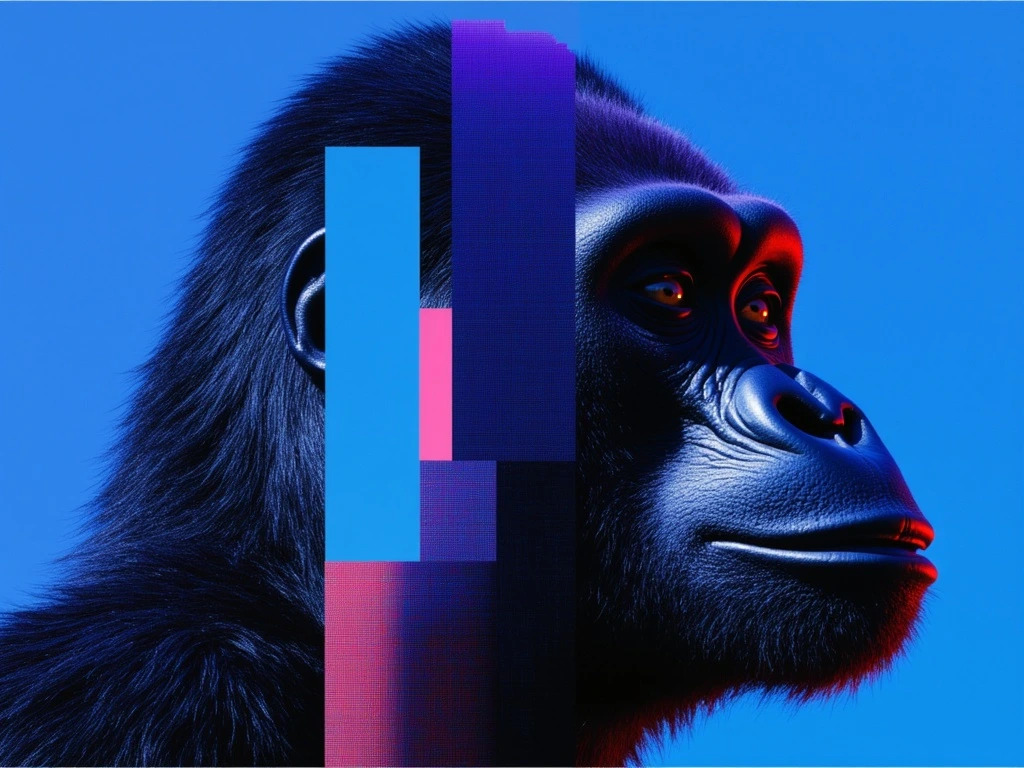
Bria Increase Resolution Upscale API example
curl -X POST https://api.protoface.com/v1/run/bria/increase-resolution \
  -H "Authorization: Bearer $PROTOFACE_API_KEY" \
  -H "Content-Type: application/json" \
  -d '{
  "operation": "image.upscale",
  "image": "https://example.com/your-image.png",
  "desired_increase": 2,
  "preserve_alpha": true
}'
Replace example input URLs with your own public URLs or uploaded asset IDs. This request uses the selected mode and settings.
Supported modes
Upscale
Upscale uses image. Adjust the model options to prepare a request for this mode.
image.upscalePricing
Image Upscale
Price per run for each listed option.
| Offering | Price (USD) |
|---|---|
| All listed options | $0.04 / run |
- Desired Increase: 2, 4 (same price).
- Preserve Alpha: Off, On (same price).
Upscale options
Bria Increase Resolution
Bria Increase Resolution creates a larger version of an existing image while keeping its subject, composition, and visual structure. The supplied artwork or photograph provides the content for the enlarged result, making the model suited to production tasks where an established image needs more room in a layout.
For images with an alpha channel, it can retain fully transparent areas and partially transparent details. This keeps cutouts and graphics usable as separate layers after enlargement, including assets whose edges blend gradually into the background.
What it's good for
Designers can enlarge product photographs for promotional layouts or prepare illustrations for a larger placement. Transparent assets such as logos and stickers can retain their background flexibility for use across different designs. The model also fits compositing work where an existing cutout needs to occupy more of the final image while keeping its original arrangement.
Run Bria Increase Resolution on Protoface
Use Bria Increase Resolution in Protoface Studio without writing code. Choose your inputs and generation settings, then generate with affordable, usage-based pricing. For your own AI app or workflow, use the Protoface API to submit generations and retrieve their outputs.
About Bria
Bria develops visual AI models and tools for business content production, including advertising and catalog imagery. Its models are trained on licensed data and use Visual Generative Language to represent creative direction as structured instructions. Developers can specify lighting, camera angles, composition and objects when building image-generation workflows.
- Visual generation
- Structured controls
- Licensed training data




