

Seedream V5.0 Flash Edit revises supplied images using written directions and visual references, supporting product updates and compositions guided by multiple images.
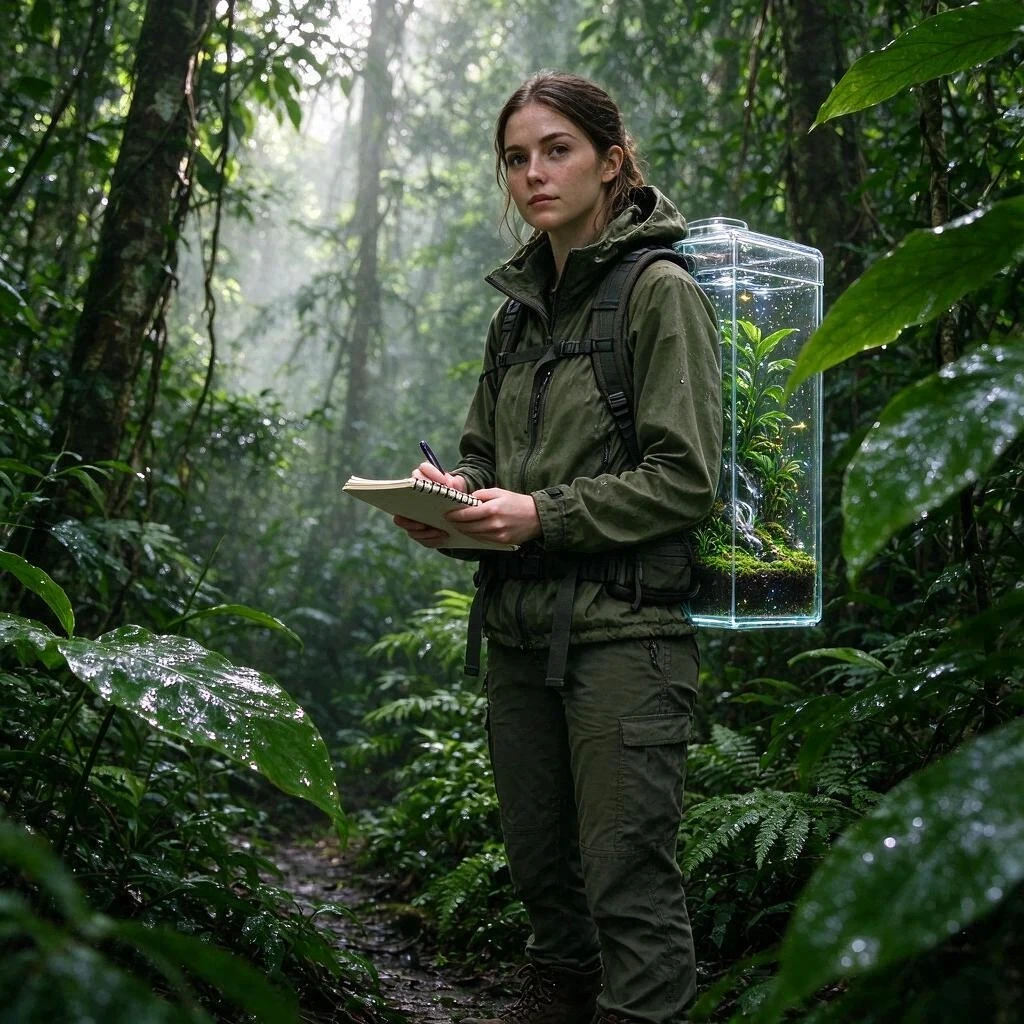
Seedream V5.0 Flash Edit Edit API example
curl -X POST https://api.protoface.com/v1/run/bytedance/seedream-v5.0-flash-edit \
  -H "Authorization: Bearer $PROTOFACE_API_KEY" \
  -H "Content-Type: application/json" \
  -d '{
  "operation": "image.edit",
  "images": "https://example.com/your-image.png",
  "prompt": "A red fox resting beside a woodland stream, soft morning light.",
  "output_format": "jpeg",
  "resolution": "1k"
}'
Replace example input URLs with your own public URLs or uploaded asset IDs. This request uses the selected mode and settings.
Supported modes
Edit
Edit uses images and prompt. Adjust the model options to prepare a request for this mode.
image.editPricing
Image editing
Price per run for each listed option.
| Offering | Price (USD) |
|---|---|
| All listed options | $0.03 / run |
- Images count: 1–10 (same price).
- Resolution: 1K, 1.5k, 2K (same price).
Edit options
Seedream V5.0 Flash Edit
Seedream V5.0 Flash Edit changes existing images according to natural-language directions. Supplied pictures establish the visual material, and the written request defines the transformation. Multiple references can guide a composition, giving an edit visual context drawn from several sources.
Its applications include revising product backgrounds and changing the styling or presentation of an existing asset. Reference-guided composition also supports edits that combine visual ideas from different pictures. This makes it useful when a project already has photography or artwork to develop and specific visual references for the intended result.
What it's good for
E-commerce teams can explore alternative settings for product imagery, while campaign designers can test different treatments of an established asset. Art directors can use the same source material to evaluate distinct edit directions. For more involved compositions, reference images provide concrete visual guidance for how the finished image should be arranged and styled.
Run Seedream V5.0 Flash Edit on Protoface
Use Seedream V5.0 Flash Edit in Protoface Studio without writing code. Choose your inputs and generation settings, then generate with affordable, usage-based pricing. For your own AI app or workflow, use the Protoface API to submit generations and retrieve their outputs.

About ByteDance
ByteDance’s Seed organization develops AI models for visual generation, audio creation and multimodal interaction. Its research includes the Seedance, Seedream and Seed Audio families. Seed models also support creative and productivity applications, connecting research with tools for exploring ideas, producing media and assisting everyday work.
- Visual generation
- Audio creation
- Multimodal research




