

Luma Uni V1 creates images from text and edits existing images, with optional visual references to guide generation or changes to lighting, setting, and style.
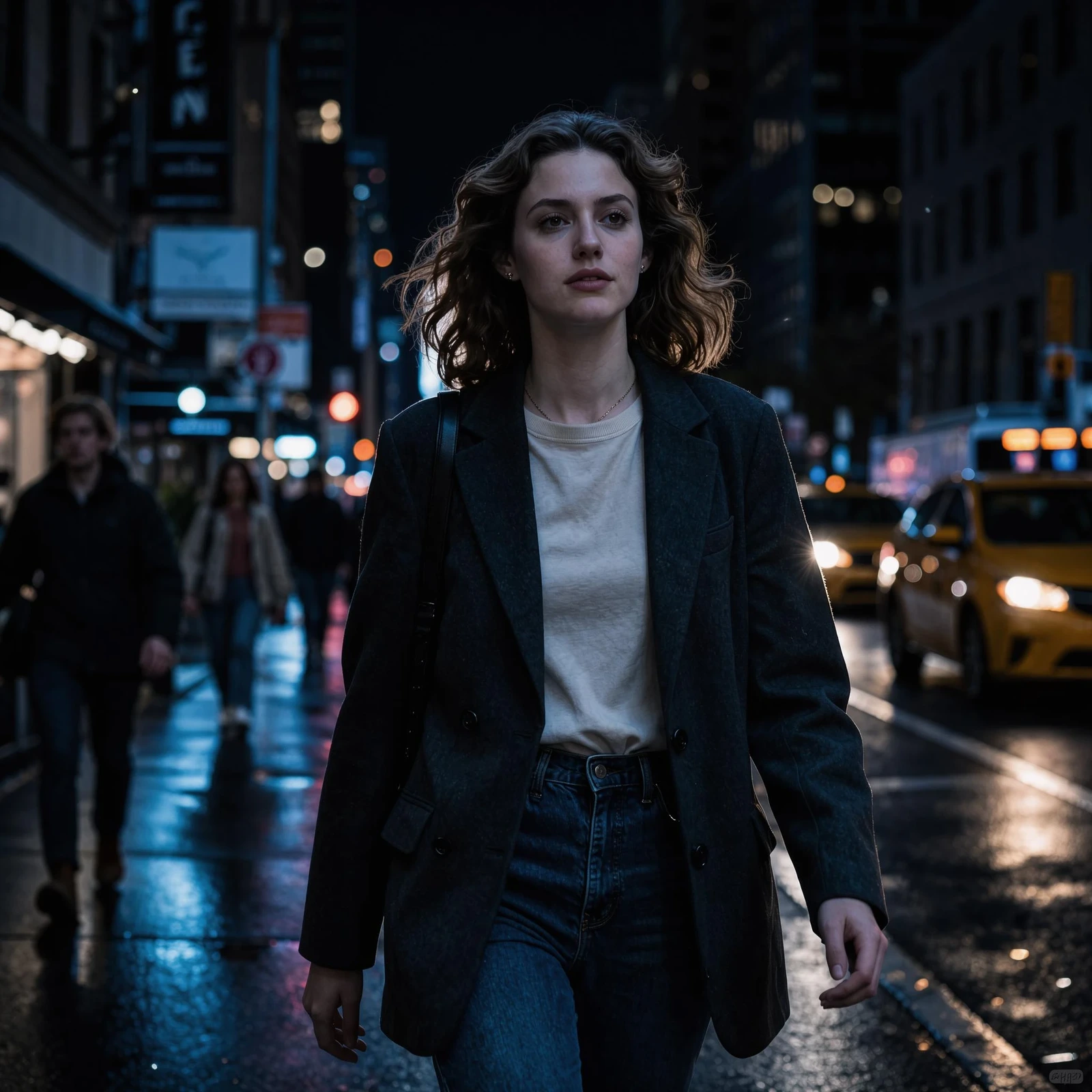
Luma Uni V1 Edit API example
curl -X POST https://api.protoface.com/v1/run/luma/uni-v1 \
  -H "Authorization: Bearer $PROTOFACE_API_KEY" \
  -H "Content-Type: application/json" \
  -d '{
  "operation": "image.edit",
  "image": "https://example.com/your-image.png",
  "prompt": "A red fox resting beside a woodland stream, soft morning light.",
  "output_format": "jpeg"
}'
Replace example input URLs with your own public URLs or uploaded asset IDs. This request uses the selected mode and settings.
Luma Uni V1 Text to Image API example
curl -X POST https://api.protoface.com/v1/run/luma/uni-v1 \
  -H "Authorization: Bearer $PROTOFACE_API_KEY" \
  -H "Content-Type: application/json" \
  -d '{
  "operation": "image.generate",
  "prompt": "A red fox resting beside a woodland stream, soft morning light.",
  "output_format": "jpeg",
  "size": "16:9"
}'
Replace example input URLs with your own public URLs or uploaded asset IDs. This request uses the selected mode and settings.
Supported modes
Edit
Edit uses image and prompt. Adjust the model options to prepare a request for this mode.
image.editText to Image
Text to Image uses prompt. Adjust the model options to prepare a request for this mode.
image.generatePricing
Image editing
Price per run for each listed option.
| Offering | Price (USD) |
|---|---|
| Reference count: 0 | $0.05 / run |
| Reference count: 1 | $0.05 / run |
| Reference count: 2 | $0.06 / run |
| Reference count: 3 | $0.06 / run |
| Reference count: 4 | $0.06 / run |
| Reference count: 5 | $0.06 / run |
| Reference count: 6 | $0.07 / run |
| Reference count: 7 | $0.07 / run |
| Reference count: 8 | $0.07 / run |
Image generation
Price per run for each listed option.
| Offering | Price (USD) |
|---|---|
| Reference count: 0 | $0.05 / run |
| Reference count: 1 | $0.05 / run |
| Reference count: 2 | $0.05 / run |
| Reference count: 3 | $0.06 / run |
| Reference count: 4 | $0.06 / run |
| Reference count: 5 | $0.06 / run |
| Reference count: 6 | $0.06 / run |
| Reference count: 7 | $0.07 / run |
| Reference count: 8 | $0.07 / run |
| Reference count: 9 | $0.07 / run |
- Size: 9 listed options (same price).
Edit options
Text to Image options
Luma Uni V1
Luma Uni V1 combines image generation with text-directed image editing. A written description can define an original image, while a supplied image provides the starting point for revisions. Optional reference images guide both tasks, adding visual information alongside the text.
The editing task covers changes to a scene's lighting, atmosphere, and style. An environment concept can move from daylight to nighttime, or a campaign image can receive a different visual treatment. Generation and editing together support a practical concept-to-revision workflow, with references helping communicate the desired direction at either stage.
What it's good for
Designers can develop product concepts or campaign imagery, then refine selected results through further edits. Storytelling teams can explore how time of day affects a setting's mood. For reference-led concept art, the combination of written intent and visual examples gives artists a way to develop imagery around an established aesthetic.
Run Luma Uni V1 on Protoface
Use Luma Uni V1 in Protoface Studio without writing code. Choose your inputs and generation settings, then generate with affordable, usage-based pricing. For your own AI app or workflow, use the Protoface API to submit generations and retrieve their outputs.

About Luma
Luma develops AI models and creative tools that connect its research with media production. Its work includes the Ray video model family and Uni-1 for visual creation guided by style and character references, alongside agents that help teams research, generate, and refine video, images, audio, and text.
- Video generation
- Reference-guided creation
- Creative agents




