For Rust WebRTC, use the webrtc crate from the webrtc-rs project, pinned to its 0.21 release line. It gives you an async peer connection on Tokio or smol and sends encoded audio and video to any browser. You supply two things: a signaling channel, usually a small WebSocket server, and the media frames.
Which Rust WebRTC crate should you use?
Pick webrtc unless you have a reason not to. It follows the browser's RTCPeerConnection model, so offers, answers, tracks and ICE candidates map onto the JavaScript on the other end.
Crate
What it is
Pick it when
webrtc 0.21
Async peer connection API. Tokio by default, smol optional
A Rust server or native client has to talk to browsers. Most projects
rtc 0.21
The protocol core under webrtc. No sockets, no clock, no runtime
You own the event loop, or need deterministic tests
str0m
A separate Sans-I/O implementation, fully sync, with its own API
You are writing a media server and do not need the standard API shape
just-webrtc 0.2
One small peer API for native and wasm32 targets
A data channel app must compile for desktop and browser
rheomesh
An SFU library built on webrtc
One stream has to reach many viewers
The webrtc-rs README calls 0.21 the pre-1.0 line and warns that a minor bump may break the API, so pin the exact version. just-webrtc wraps webrtc 0.11 on native targets, and its last release dates from September 2024. str0m deliberately steps away from the standard API, so browser tutorials will not translate line by line.
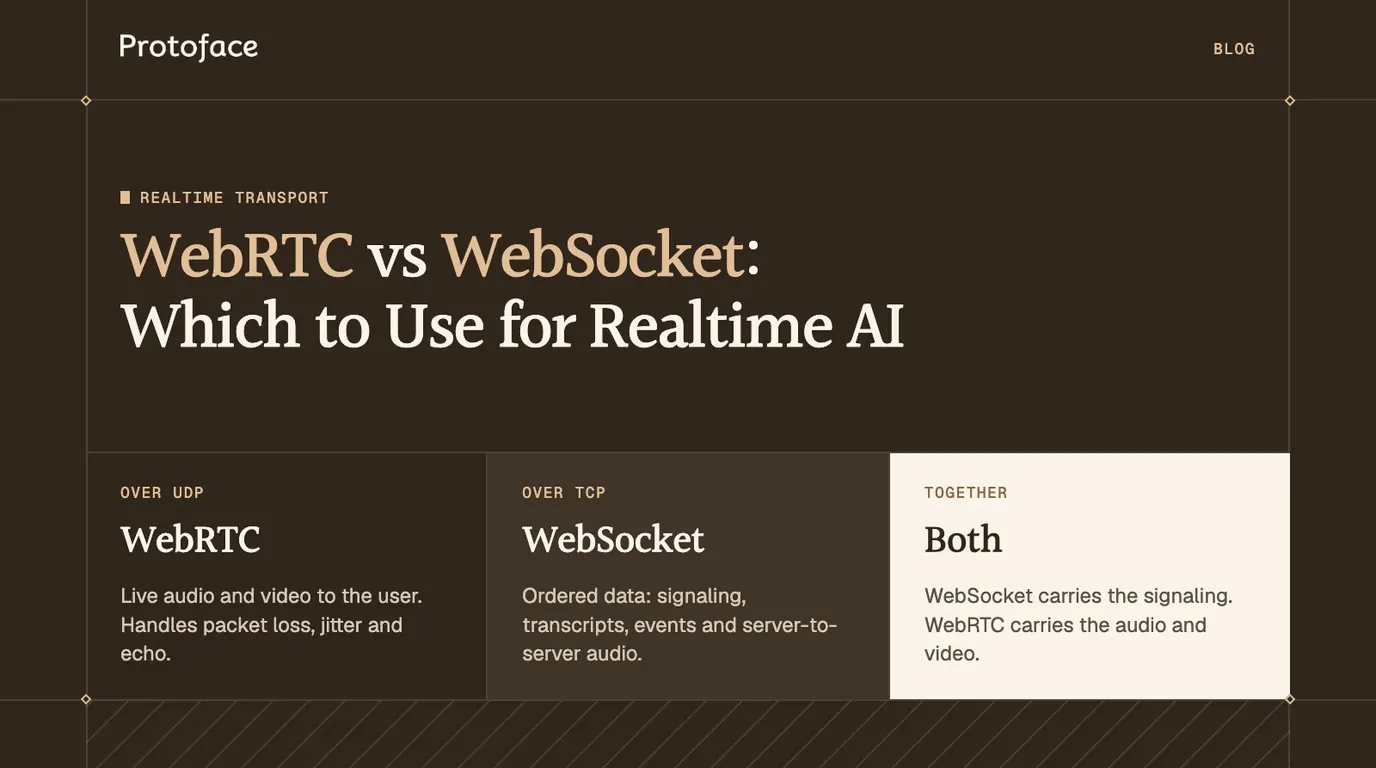
A peer connection is only worth the setup when a person watches or listens live. If that is not settled, the comparison of WebRTC vs WebSocket for realtime AI shows which hops need WebRTC and which are fine on a socket.
How the Rust WebRTC stack is put together
The webrtc crate is a thin async layer over rtc, a Sans-I/O protocol core. The core runs ICE, DTLS, SRTP, SCTP and RTP as state machines with no sockets. The async layer owns the sockets and timers. One call travels through the stack in five steps:
Your code calls an async method on PeerConnection, such as create_answer or add_track.
A background PeerConnectionDriver, spawned when you build the connection, receives the request. It owns the UDP and TCP sockets.
The driver passes each received datagram to the core with handle_read, and reports elapsed deadlines with handle_timeout.
The core updates its state. The driver drains outgoing packets with poll_write and puts them on the wire.
The driver drains events with poll_event and calls your PeerConnectionEventHandler: a new ICE candidate, a state change, a remote track.
The rtc README documents these calls in its event loop table. The driver reaches timers, tasks and sockets through a Runtime trait. The runtime-tokio feature is on by default and runtime-smol is the alternative. Any other executor works if you implement the trait and pass it with with_runtime.
Set up a Rust WebRTC project
You need webrtc and rtc at the same exact version, Tokio, and a WebSocket library for signaling. Both crates use the 2024 edition, so build with Rust 1.85 or newer.
[package]
name = "avatar-stream"
version = "0.1.0"
edition = "2024"
[dependencies]
webrtc = "=0.21.0"# async API, Tokio runtime and ring crypto by default
rtc = "=0.21.0"# codec, sample and file-reader types used by the tracks
tokio = { version = "1", features = ["full"] }
tokio-tungstenite = "0.30"
futures-util = { version = "0.3", features = ["sink"] }
async-trait = "0.1"
serde_json = "1"
anyhow = "1"
[package]
name = "avatar-stream"
version = "0.1.0"
edition = "2024"
[dependencies]
webrtc = "=0.21.0"# async API, Tokio runtime and ring crypto by default
rtc = "=0.21.0"# codec, sample and file-reader types used by the tracks
tokio = { version = "1", features = ["full"] }
tokio-tungstenite = "0.30"
futures-util = { version = "0.3", features = ["sink"] }
async-trait = "0.1"
serde_json = "1"
anyhow = "1"
[package]
name = "avatar-stream"
version = "0.1.0"
edition = "2024"
[dependencies]
webrtc = "=0.21.0"# async API, Tokio runtime and ring crypto by default
rtc = "=0.21.0"# codec, sample and file-reader types used by the tracks
tokio = { version = "1", features = ["full"] }
tokio-tungstenite = "0.30"
futures-util = { version = "0.3", features = ["sink"] }
async-trait = "0.1"
serde_json = "1"
anyhow = "1"
The whole program lives in src/main.rs, under one set of imports:
The minimum useful peer connection needs a codec list, the default interceptors, an ICE server and an event handler. build() returns an error without a handler.
MediaEngine holds the codecs you will negotiate: VP8 on a 90 kHz clock and stereo Opus at 48 kHz. The default interceptors add RTCP reports and NACK retransmission. The wildcard UDP address binds one socket per local interface, which produces usable host candidates. build() returns an opaque type, so the last lines wrap it in Arc<dyn PeerConnection> to share it across tasks.
Build a signaling server in Rust
No Rust WebRTC crate ships signaling, so you write it. MDN's signaling guide states that WebRTC does not specify a transport for this exchange. A WebSocket fits because both sides must be able to send at any moment. The exchange runs in four steps:
One Rust process holds both halves. The WebSocket session trades the offer, answer and ICE candidates. The peer connection then sends media to the browser over UDP.
The browser sends its offer, an SDP description of what it wants to receive.
The Rust process applies the offer, creates an answer and sends it back.
Both sides send ICE candidates as they find them. Each candidate is one address the other peer can try.
ICE picks a working pair, DTLS sets up the keys, and encrypted media flows over UDP.
The event handler does the outbound half: it serializes each local candidate and signals when the connection is up. main accepts one WebSocket per viewer.
struct Handler {out: mpsc::UnboundedSender<String>,// JSON bound for the browserconnected: mpsc::UnboundedSender<()>,// fires when media can start}
#[async_trait::async_trait]impl PeerConnectionEventHandler for Handler {asyncfnon_ice_candidate(&self,event: RTCPeerConnectionIceEvent){iflet Ok(init) = event.candidate.to_json(){iflet Ok(json) = serde_json::to_string(&init){let_ = self.out.send(json);}}}asyncfnon_connection_state_change(&self,state: RTCPeerConnectionState){
println!("peer connection: {state}");ifstate == RTCPeerConnectionState::Connected{let_ = self.connected.send(());}}}
#[tokio::main]asyncfnmain()-> Result<()> {letlistener = TcpListener::bind("0.0.0.0:8081").await?;loop{let(stream,_) = listener.accept().await?;
tokio::spawn(asyncmove{iflet Err(err) = session(stream).await{
eprintln!("session ended: {err}");}});}}
struct Handler {out: mpsc::UnboundedSender<String>,// JSON bound for the browserconnected: mpsc::UnboundedSender<()>,// fires when media can start}
#[async_trait::async_trait]impl PeerConnectionEventHandler for Handler {asyncfnon_ice_candidate(&self,event: RTCPeerConnectionIceEvent){iflet Ok(init) = event.candidate.to_json(){iflet Ok(json) = serde_json::to_string(&init){let_ = self.out.send(json);}}}asyncfnon_connection_state_change(&self,state: RTCPeerConnectionState){
println!("peer connection: {state}");ifstate == RTCPeerConnectionState::Connected{let_ = self.connected.send(());}}}
#[tokio::main]asyncfnmain()-> Result<()> {letlistener = TcpListener::bind("0.0.0.0:8081").await?;loop{let(stream,_) = listener.accept().await?;
tokio::spawn(asyncmove{iflet Err(err) = session(stream).await{
eprintln!("session ended: {err}");}});}}
struct Handler {out: mpsc::UnboundedSender<String>,// JSON bound for the browserconnected: mpsc::UnboundedSender<()>,// fires when media can start}
#[async_trait::async_trait]impl PeerConnectionEventHandler for Handler {asyncfnon_ice_candidate(&self,event: RTCPeerConnectionIceEvent){iflet Ok(init) = event.candidate.to_json(){iflet Ok(json) = serde_json::to_string(&init){let_ = self.out.send(json);}}}asyncfnon_connection_state_change(&self,state: RTCPeerConnectionState){
println!("peer connection: {state}");ifstate == RTCPeerConnectionState::Connected{let_ = self.connected.send(());}}}
#[tokio::main]asyncfnmain()-> Result<()> {letlistener = TcpListener::bind("0.0.0.0:8081").await?;loop{let(stream,_) = listener.accept().await?;
tokio::spawn(asyncmove{iflet Err(err) = session(stream).await{
eprintln!("session ended: {err}");}});}}
The session function does the inbound half. It upgrades the TCP stream, builds the peer, then loops over outgoing JSON and incoming messages. A message with a candidate key is an ICE candidate. Anything else is treated as the offer. The answer is written straight to the socket, ahead of any candidate already queued, because a browser rejects a candidate that arrives before the answer.
In production, serve the socket over wss:// and check a short-lived token before you build the peer.
Rust WebRTC example: send audio and video to a browser
To send media, create one local track per stream, add both before you answer the offer, and write encoded frames at playback speed once the connection reports Connected. TrackLocalStaticSample takes whole encoded frames and packetizes them into RTP.
Each track carries one encoding with a fixed SSRC and its codec. The payload type is read back from the sender after negotiation, because the browser's offer decides the final number.
play waits for the connection, then runs both pumps side by side. Video frames come from an IVF file, paced by the file's frame time. Audio comes from an Ogg file, one page per 20 milliseconds. Each sample carries its real duration, which sets the RTP timestamps the browser uses to keep picture and sound together. Create the two files with ffmpeg:
The click handler matters: browsers block audio playback until a user gesture. The Rust side serializes candidates with an empty sdpMid, so the client passes sdpMLineIndex: 0, which works because all media shares one bundled transport. Run cargo run, open the page from localhost, and press Start.
The Rust calls follow the play-from-disk-vpx and trickle-ice programs in the webrtc-rs examples directory at 0.21.0. If a later release renames a type, diff your code against those two files.
Start every viewer on a keyframe. A browser cannot decode video until a keyframe arrives. The -g 30 flag forces one at least every 30 frames. A live encoder should emit one when a viewer connects.
Stream a realtime AI avatar over Rust WebRTC
An avatar is the same pipeline with live sources. Replace the two file readers with your renderer's encoded frames and your voice's Opus packets, keep the tracks, and take the user's microphone on the same connection.
Receive the microphone in Rust
In the browser, swap the receive-only audio transceiver for a real microphone track. Call getUserMedia({ audio: true }), then pc.addTrack for its audio track. On the Rust side, add one method to the handler.
// Extra import:// use webrtc::media_stream::track_remote::{TrackRemote, TrackRemoteEvent};// Inside `impl PeerConnectionEventHandler for Handler`:asyncfnon_track(&self,track: Arc<dyn TrackRemote>){
tokio::spawn(asyncmove{whilelet Some(event) = track.poll().await{iflet TrackRemoteEvent::OnRtpPacket(packet) = event{// packet.payload is one Opus frame of the user's speech.
println!("microphone packet: {} bytes",packet.payload.len());}}});}
// Extra import:// use webrtc::media_stream::track_remote::{TrackRemote, TrackRemoteEvent};// Inside `impl PeerConnectionEventHandler for Handler`:asyncfnon_track(&self,track: Arc<dyn TrackRemote>){
tokio::spawn(asyncmove{whilelet Some(event) = track.poll().await{iflet TrackRemoteEvent::OnRtpPacket(packet) = event{// packet.payload is one Opus frame of the user's speech.
println!("microphone packet: {} bytes",packet.payload.len());}}});}
// Extra import:// use webrtc::media_stream::track_remote::{TrackRemote, TrackRemoteEvent};// Inside `impl PeerConnectionEventHandler for Handler`:asyncfnon_track(&self,track: Arc<dyn TrackRemote>){
tokio::spawn(asyncmove{whilelet Some(event) = track.poll().await{iflet TrackRemoteEvent::OnRtpPacket(packet) = event{// packet.payload is one Opus frame of the user's speech.
println!("microphone packet: {} bytes",packet.payload.len());}}});}
The method fires when the browser starts sending. Each event is one RTP packet: decode the Opus payload for your speech recognizer, or forward it untouched.
Use a hosted avatar instead of rendering your own
Rendering a lip-synced face does not have to run in your process. Protoface Realtime turns the audio your agent already produces into live avatar video. Its session endpoint takes a LiveKit room as the transport. The raw WebSocket transport in the schema is reserved and rejected today. The flow from a Rust service has three steps:
Your service joins a LiveKit room and publishes the agent's speech as a continuous audio track. LiveKit's Rust SDKs provide the livekit crate for the room and livekit-api for minting tokens.
Your service mints a short-lived room token for the avatar worker and creates a session with POST /v1/sessions.
The worker joins the room and publishes a protoface-avatar video track and a protoface-avatar-audio track. The browser subscribes to them like any other participant. Its microphone goes to your agent, not to the avatar.
The function posts the avatar ID and room details and returns the sess_... ID. Setting audio_source to track tells the worker to read a published audio track, the mode the docs name for custom integrations. Set subscribe_to_identity to your agent's identity. Without it the worker pins the first audio publisher, which may be the user's microphone. The session starts as queued, so poll GET /v1/sessions/{id} until it reports running. The API key stays in your Rust service.
Rust WebRTC server or SFU: when you need one
One peer connection per viewer is enough while your Rust process is the only source, which covers a one-to-one avatar call. You need a selective forwarding unit (SFU) when several participants publish into one session, or one stream fans out to many viewers.
Stay peer to peer for one agent talking to one user.
Fan out yourself for a small audience. Encode once and write the same samples to every viewer's tracks, as the broadcast example in the webrtc-rs repository does.
Add an SFU when the user, the agent and the avatar are separate participants, or viewers need different bitrates. In Rust, rheomesh is an SFU library with simulcast, SVC, relay and recording, and str0m was built for server-side SFU use.
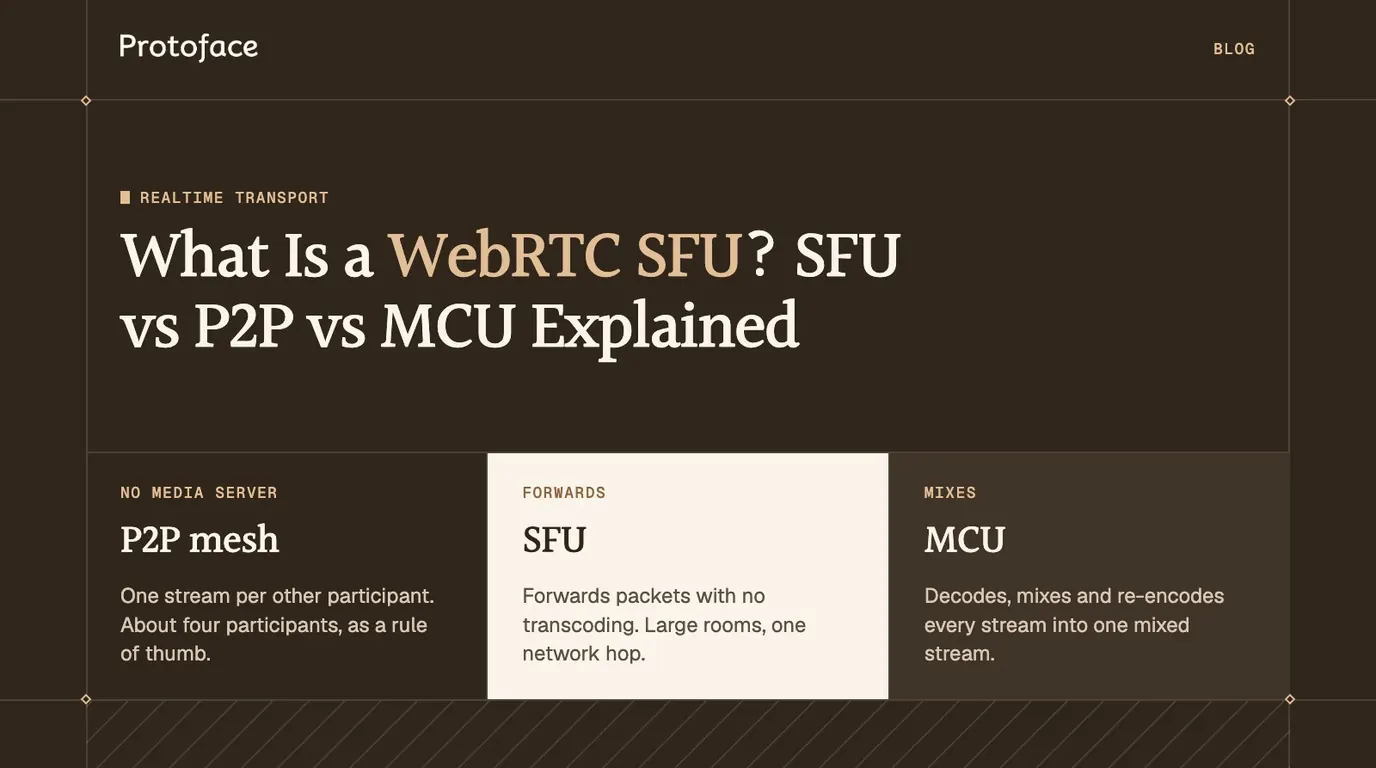
The explainer on SFU, P2P and MCU architectures covers the trade-offs. A peer connection is also stateful: its ICE and DTLS state lives in one process, so a second server cannot pick up a session halfway through. Plan for that before you scale out, with the walkthrough on load balancing WebRTC sessions across servers.
Common Rust WebRTC errors and how to fix them
Most failures fall into three groups: ICE never finds a path, codecs or payload types do not line up, or the runtime is not the one the crate expects.
Symptom
Cause
Fix
State goes to failed after connecting
Candidates are not reaching the other side, or UDP is blocked
Log candidates in both directions. Add a TURN URL with username and credential to RTCIceServer
Connected, but the video stays black
No keyframe yet, or the browser did not offer your codec
Send a keyframe first. Register a codec the browser lists in its offer
write_sample returns an error
The payload type or SSRC is not the negotiated one
Read the payload type from get_parameters() after the answer is set
Track creation fails with a payloader error
The codec has no packetizer in the crate
Use VP8, VP9, H.264, AV1 or Opus, or write RTP yourself with TrackLocalStaticRTP
no async runtime found from build()
Default features are off and no runtime feature is on
Enable runtime-tokio or runtime-smol, or pass with_runtime
Panic about a missing Tokio reactor
The connection was built outside a Tokio runtime
Build it inside #[tokio::main], or switch to the smol feature
Tutorial code does not compile
It targets 0.17 or older, which registered a closure per event
Port it to PeerConnectionBuilder and one handler trait
When ICE fails, compare what each side gathered. Chrome lists its candidates on chrome://webrtc-internals, and the handler prints the connection state on the Rust side. Two peers with only host candidates and no shared network cannot connect without a relay.
Common questions
Is webrtc-rs ready for production use?
It is usable with one caveat. The README names 0.21 the recommended line and the run-up to 1.0, and says a minor version may still break the API. Pin the exact version and test against the browsers you support before each upgrade.
Can Rust WebRTC run in the browser through WebAssembly?
Not the webrtc crate: it opens UDP sockets, which a browser does not allow. In WebAssembly you call the browser's own RTCPeerConnection through web-sys bindings. just-webrtc wraps both behind one API.
How do I write a Rust WebRTC client that connects to an existing server?
Reverse the roles in the example. Add your tracks, call create_offer and set_local_description, send the offer through the server's signaling protocol, then apply its answer with set_remote_description. For a LiveKit server, the livekit crate handles signaling for you.
How does Rust WebRTC compare with Pion in Go?
webrtc-rs began as a Rust rewrite of the Pion stack, so the concepts and many names match, such as MediaEngine, interceptors and TrackLocalStaticSample. Choose by the language your service is written in, and measure both on your own workload if throughput decides it.
How do I build Rust WebRTC on Ubuntu?
Install build-essential for the linker and Rust 1.85 or newer with rustup, then run cargo build. The stack is written in Rust, so there is no system WebRTC library to install.
Keep your Rust service, skip the avatar renderer
Protoface Realtime joins your LiveKit room and turns your agent's audio into live avatar video. Your Rust code starts the session with one REST call.